Are you worried about Public Safety Power Shutoffs? When high winds and dry conditions raise the risk of wildfire, utilities like Southern California Edison can shut off power to parts of Ventura County to keep power lines from starting a fire. These Public Safety Power Shutoffs (PSPS) can last anywhere from a few hours to more than a day, and the timing isn’t always predictable.
PSPS events get the headlines, but they aren’t the only power problem small businesses face. Brownouts, utility switching, storms, a tripped breaker or construction down the street can all cut power for a few seconds or a few hours. For most small and mid-sized businesses, the real damage isn’t the outage itself. It’s what happens to equipment and data when the power drops without warning, and what happens when it comes back with a surge.
That’s the job of an uninterruptible power supply (UPS): a battery backup that sits between the wall outlet and your critical equipment, keeping it powered and protected when utility power isn’t clean or isn’t there at all.
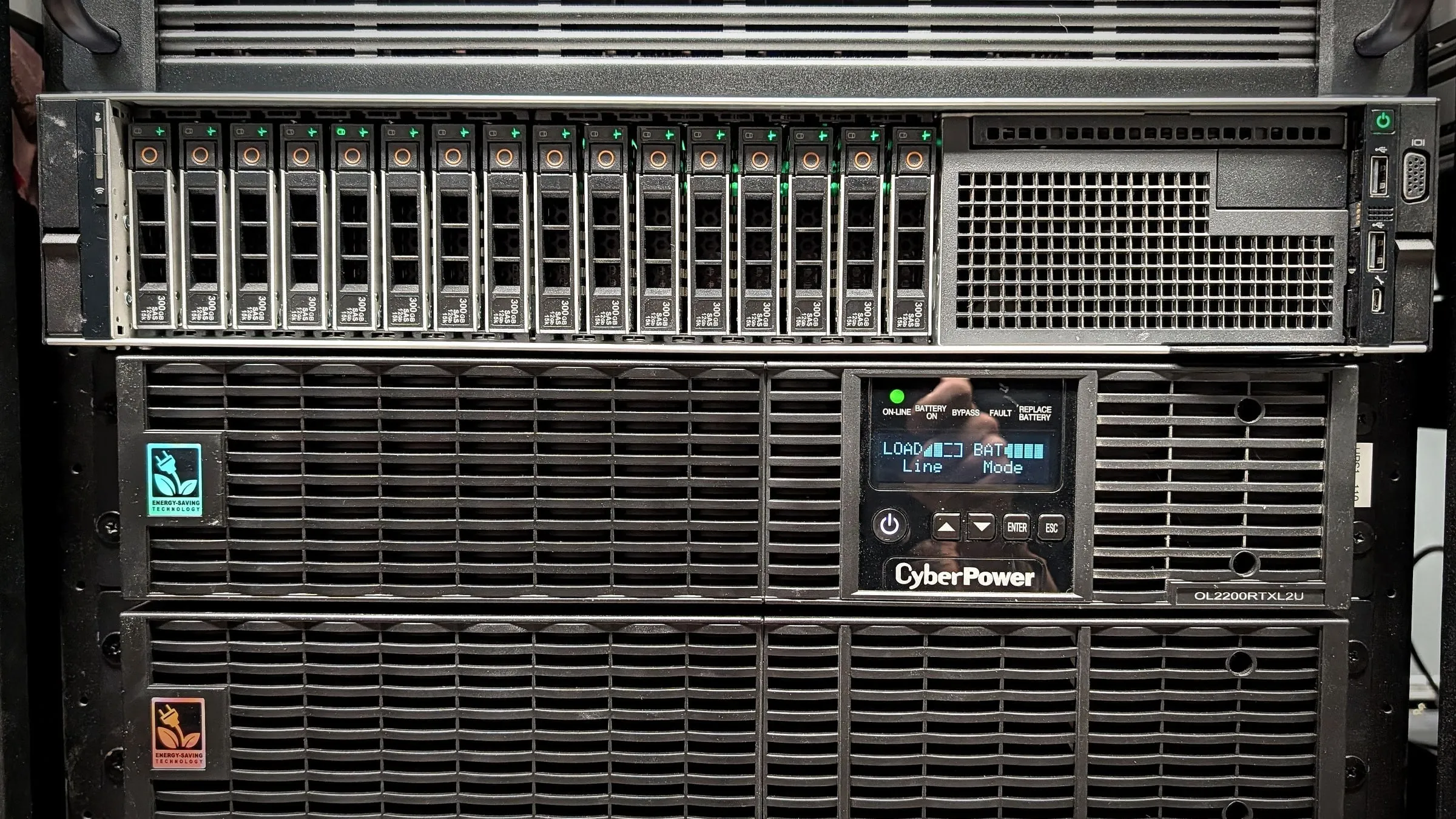
A quick reality check: a typical UPS won’t run your office through a day-long shutoff. Its job is to protect equipment, ride through short outages and give servers and storage time to shut down cleanly, or to bridge the gap until a generator takes over. Longer outages need a broader continuity plan, which we cover below.
How power problems hit small businesses
A large company has a data center, redundant power and an IT department on call. A small business usually has a server closet, a network rack in a back room and a few workstations doing very important work. When the power fails, the impact shows up quickly:
- Downtime and lost work. Unsaved drawings, interrupted transactions, half-printed shipping labels and stalled production schedules all have to be redone.
- Hardware damage. Surges, sags and abrupt shutdowns wear out power supplies, drives and network equipment, sometimes all at once.
- Corrupted data. A server, NAS or database that loses power mid-write can come back with damaged files, a broken database or a storage array that needs a long rebuild.
- A dead network. Laptops may keep running on battery, but if the modem, firewall, switches and Wi-Fi go down, nobody can reach email, cloud apps or the phone system.
- Slow, messy recovery. Equipment that comes back in the wrong order, or not at all, often means someone has to drive in and restart things by hand.
How battery backup and surge protection prevent hardware damage
Utility power is rarely as clean as it looks. Short spikes, voltage dips and electrical noise happen every day, especially in buildings with heavy motors, compressors or production equipment. A business-grade UPS protects against them in several ways:
- Surge suppression absorbs voltage spikes before they reach sensitive electronics.
- Voltage regulation (often called AVR) corrects brownouts and sags without draining the battery, so equipment sees steady power.
- Instant battery power takes over when utility power drops, so equipment never experiences a hard power cut.
- Clean output from units with a pure sine wave output keeps modern server and workstation power supplies running the way they were designed to.
A basic power strip or surge protector helps with spikes, but it does nothing for sags, brownouts or outages. Only a UPS covers all of them.
Keeping the business running through short outages
Many power interruptions last only seconds or minutes. Without a UPS, even a brief flicker restarts every computer and network device in the building, and it can take far longer than the outage itself for everything to come back online and reconnect. With a UPS on the right equipment, a short outage becomes a non-event: the network stays up, phones keep working, laptops stay connected and work continues.
Preventing disasters with automatic, graceful shutdown
When an outage outlasts the battery, the goal changes from staying up to shutting down safely. A properly configured UPS communicates with the equipment it protects, through a network management card or a USB connection and shutdown software, to:
- Shut down servers, virtual machine hosts and storage in the right order before the battery runs out
- Send email or text alerts when power fails, when it’s restored and when batteries are running low
- Bring equipment back up automatically, in a sensible order, when power returns
That shutdown sequence is what prevents corrupted databases, damaged file systems and long storage rebuilds. It’s also the part most often skipped: plenty of businesses own a UPS that simply runs until it dies, taking the server down hard anyway.
Business continuity: part of a bigger plan
A UPS is one piece of business continuity, not the whole plan. For businesses in PSPS-prone areas, the rest of the plan usually includes:
- Reliable backups, including off-site or cloud copies, so data survives even if hardware doesn’t. See our backup and disaster recovery service.
- Cloud services like Microsoft 365, so email and files stay reachable from a phone or a laptop elsewhere while the office is dark.
- A generator, where it makes sense, for operations that can’t stop during a multi-hour shutoff. The UPS keeps equipment running during the seconds it takes a generator to start.
- A simple outage playbook: what’s on battery, how long it lasts, who gets alerted, what shuts down first and how to bring everything back.
What a UPS protects
| System | Why it needs battery backup |
|---|---|
| Servers and virtual hosts | Prevents hard crashes, corrupted databases and damaged operating systems, and allows a clean, automated shutdown. |
| File storage and NAS | Protects files that are being written and avoids lengthy storage-array rebuilds after a power loss. |
| Network equipment | Keeps the modem, firewall, switches and Wi-Fi running so laptops, phones and cloud apps stay connected. |
| VoIP phones and PoE devices | Phones, cameras and access points powered by a network switch go down with it unless the switch is on a UPS. |
| Workstations | Gives designers and engineers time to save large CAD and BIM files instead of losing work mid-edit. |
| Shipping and point-of-sale stations | Keeps label stations and checkout terminals online through short interruptions. |
| Security cameras and NVRs | Keeps recording during an outage, when visibility matters most. |
One exception: laser printers and space heaters draw large bursts of power and shouldn’t be plugged into a UPS’s battery outlets. Most units have separate surge-only outlets for equipment like that.
Choosing the right UPS and battery solution
Not every UPS is right for every job, and a mismatched unit can fail exactly when it’s needed. The main decisions:
Type (topology)
- Standby units are inexpensive and fine for a single desk or small device.
- Line-interactive units add voltage regulation and are a good fit for most small-office network racks and servers.
- Online (double-conversion) units rebuild the power continuously and suit critical servers and locations with noisy power, such as production floors and shops with heavy machinery.
Capacity and runtime
- Add up what the equipment actually draws (in watts, not just VA) and leave headroom, so the UPS isn’t running near its limit.
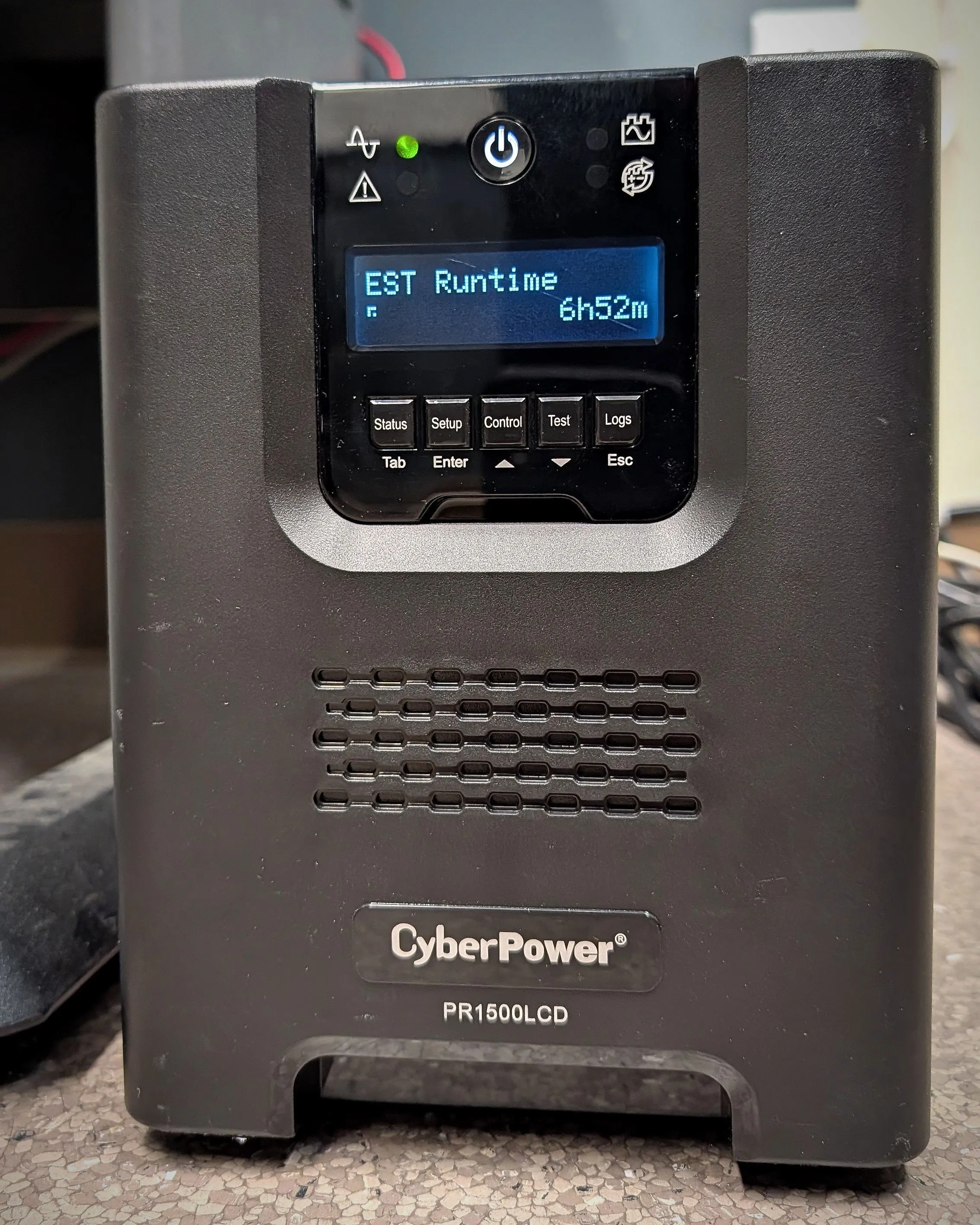
- Decide what runtime you need: a few minutes to shut down cleanly, or longer to ride through outages. Extended battery packs add runtime to many units.
Form factor and management
- Rack-mount units fit network racks; tower units suit closets and desks.
- A network management card enables remote monitoring, alerts and automated shutdown, and is worth it for anything protecting a server or storage.
Batteries
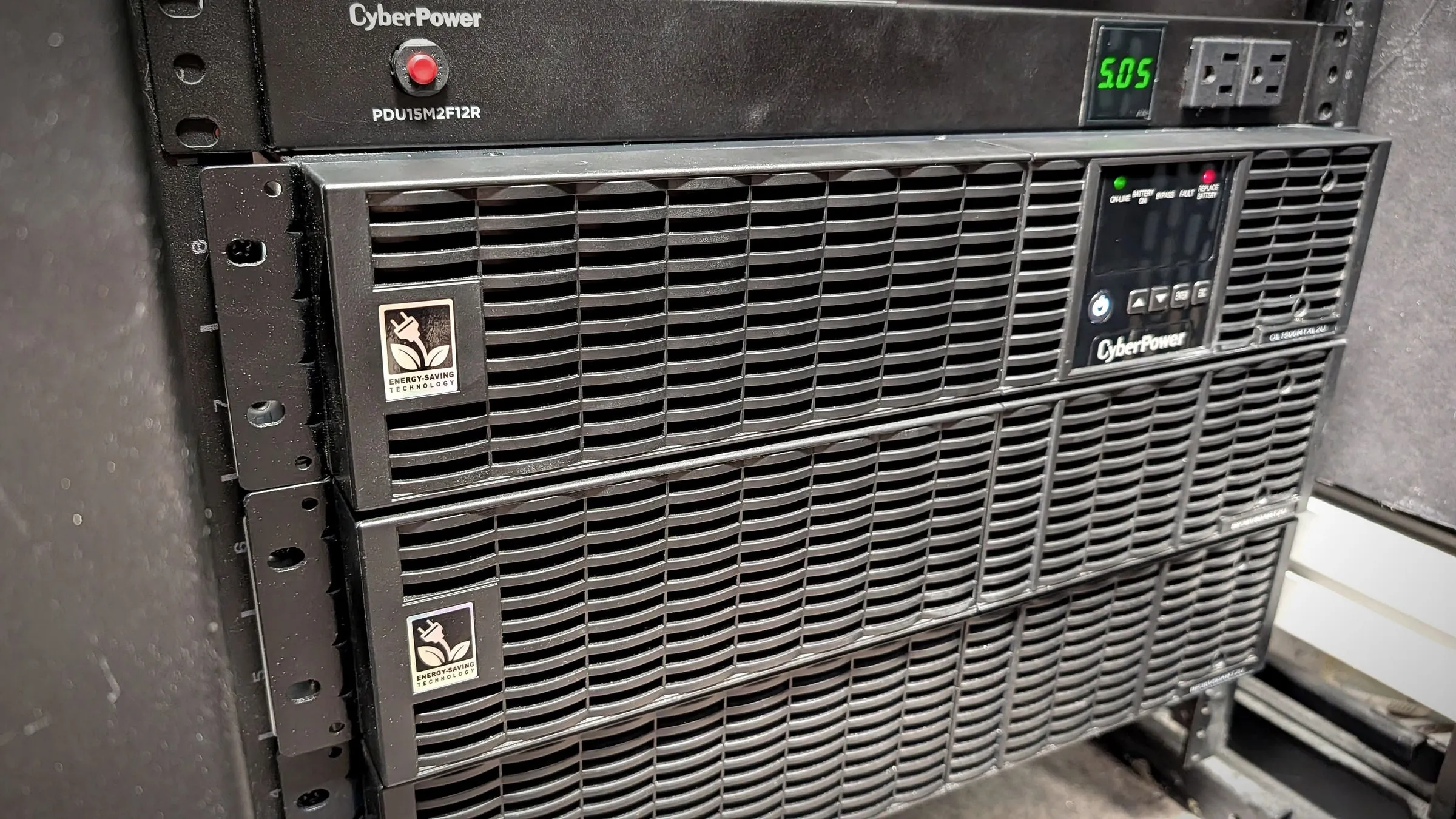
- Traditional sealed lead-acid batteries typically last about three to five years, and less in hot rooms. Lithium-ion batteries cost more up front but last longer and weigh less.
- Batteries fail quietly. Regular self-tests and a replacement schedule matter as much as the UPS itself.
Power and environment
- Larger units can need a dedicated circuit, a special outlet or hardwiring. That work belongs to a licensed electrician.
- Heat and dust shorten battery life, which matters in warehouses, shops and production areas.
How Hawk IT Solutions can help
The right UPS strategy depends on what your business can’t afford to lose, and on what happens in the first five minutes of an outage. Hawk IT Solutions helps Ventura County businesses plan and put that strategy in place:
- Assess and size your power needs: what’s plugged in, how much it draws and how much runtime you need.
- Supply and install the right plug-in rack and tower UPS units for your servers, network and workstations.
- Configure shutdown and alerts, so servers and storage shut down cleanly and the right people are notified.
- Monitor UPS health as part of managed IT and plan battery replacements before they fail.
- Coordinate electrical work: when a unit needs a dedicated circuit or hardwiring, Hawk brings in and manages a licensed electrician, so you have one point of contact.
Whether you want a one-time UPS review and installationor ongoing protection through managed IT, we can help you be ready before the next shutoff. Request a consultation or call 805-657-7194.